
Effective ways to block distracting websites and Apps during Classes
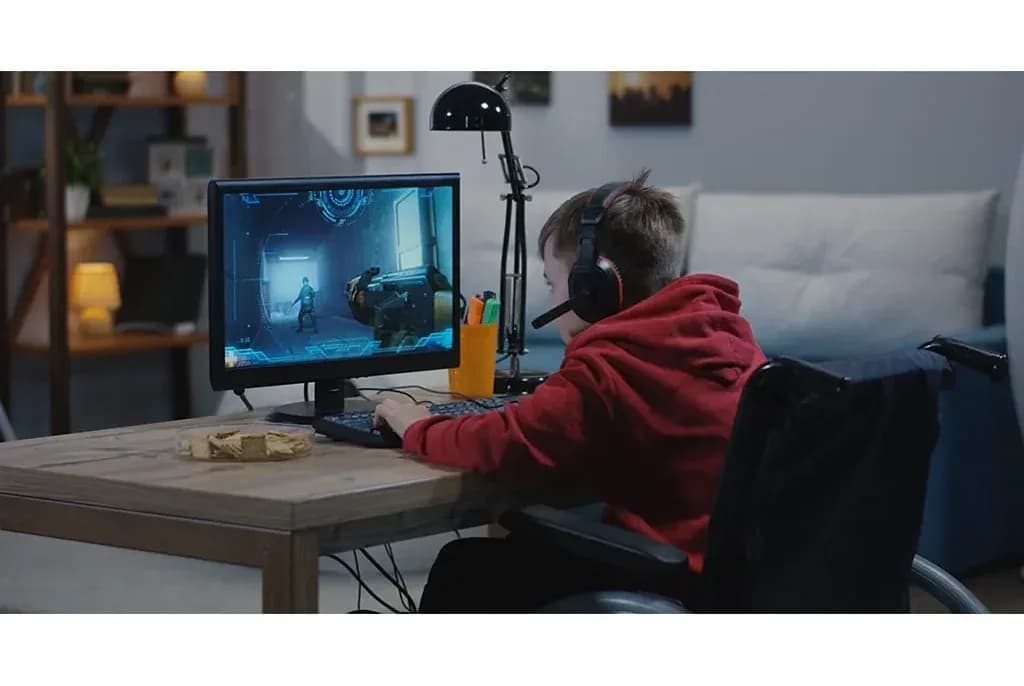
With the rise of online learning, one major challenge teachers face is keeping students focused during Zoom classes. Distractions from social media, games, and other websites can hinder learning, thereby causing reduced class participation and performance.
Fortunately, there are several ways to block your kids from visiting other sites or apps while attending virtual classes. Here’s how you can do it effectively.
Use Parental Control software for Android/IPad
Focus Mode: This is an inbuilt and a free software that is accessible on all android phones. it allows you to pause distracting apps and hide their notifications . Here is how to locate FOCUS MODE on your gadget ;
Click on Settings on your android phone/IPad
Navigate to Parental Controls and Digital Wellbeing
Click on this option and navigate to FOCUS MODE
Google Family Link is also a great option for Android and iPads.
Use Windows and Mac Built-in Parental Controls
If your child uses a laptop for his/her virtual classes, this feature will work best for you. Both Windows and macOS have built-in parental control features that allow restricting access to certain applications and websites:
The feature is called “Windows Family Safety (Microsoft Family Safety)”. Visit the link HERE to learn how to set this up.
Qustodio
This is a third-party app that works for all devices. It allows you to block your child from visiting other websites and apps during classes. Regardless of their gadget type, Qustodio offers various options that work for all. Here is a VIDEO GUIDE to set this up.
Use Browser Extensions
Another great option is the use of browser extensions. We recommend that parents install browser extensions that block distractions on all browsers that is available on their child’s gadget. Some helpful options include:
Block Site
Cold Turkey
Freedom App
Stay Focused (for Chrome)
These extensions limit the amount of time students can spend on distracting sites. While technology can help enforce online classroom discipline, a combination of monitoring tools, restrictions, and student awareness will yield the best results. By implementing these strategies, Parents can ensure a more productive and distraction-free Zoom learning experience.
We hope you find this helpful. Thanks for reading.
